
How to Rank in Google Maps in Columbia, TN: A Local Business Guide
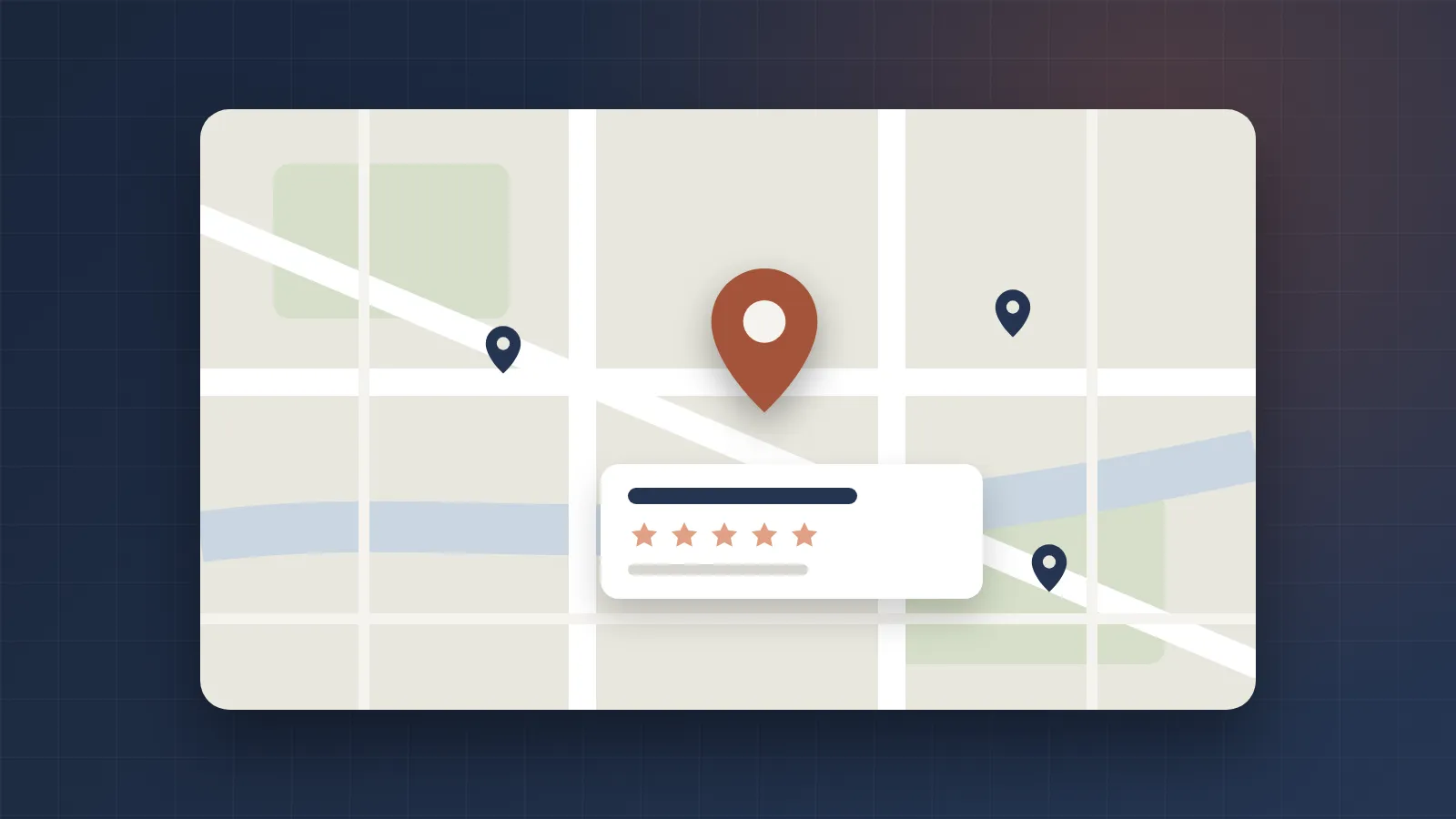
When someone in Columbia searches “plumber near me” or “best coffee in Columbia TN,” Google usually shows a map with three businesses at the top, often called the local pack. Those three spots get a large share of the calls, clicks and direction requests. If you’re not in them, many customers will never scroll far enough to find you.
The good news: ranking in Google Maps doesn’t require a big budget. It requires doing the fundamentals thoroughly and consistently.
How Google decides who ranks
Google says local results are based mainly on three factors:
- Relevance: how well your Business Profile matches what someone searched for.
- Distance: how far your business is from the searcher, or from the location in their search.
- Prominence: how well known and trusted your business is, based on things like reviews, links and how established you are across the web.
You can’t move your business closer to every customer, so most of your effort goes into relevance and prominence.
Step 1: Claim, verify and complete your Google Business Profile
Your Google Business Profile (formerly Google My Business) is the listing that appears in Maps. Search for your business on Google, choose to claim it if it isn’t yours yet, and complete verification.
Then fill in everything:
- Business name, exactly as it appears on your signage and paperwork.
- Primary category: the single most important relevance setting. Choose the most specific option that describes your main service, such as “HVAC contractor” rather than “Contractor.”
- Secondary categories for other services you genuinely offer.
- Address or service area. If customers come to you, show your address. If you travel to customers, hide your address and list the towns you serve, such as Columbia, Spring Hill, Mount Pleasant and the surrounding parts of Maury County.
- Phone number, website and hours, including holiday hours.
- Services or products with short descriptions.
- Business description that explains what you do and who you serve, in plain language.
Step 2: Keep your name, address and phone number consistent
Google cross-checks your business details across the web. Your name, address and phone number (NAP) should match everywhere they appear: your website, Google, Apple Maps, Bing Places, Facebook, Yelp, the Better Business Bureau and industry directories.
Inconsistent details, such as an old phone number or an outdated address on a directory, make it harder for Google to trust your listing. Search for your business name and fix any outdated listings you find.
Step 3: Earn reviews steadily, and reply to every one
Reviews are one of the strongest signals of prominence, and they’re what customers read before they call. What matters:
- A steady flow, not a burst once a year.
- Detail. Reviews that mention the service and town (“fixed our AC in Columbia the same day”) help both customers and relevance.
- Your replies. Thank people for positive reviews and respond calmly and helpfully to negative ones.
Make asking easy: send a short-link to your review form by text or email after each job, and add it to invoices. Don’t offer discounts or gifts for reviews, write reviews yourself, or ask only happy customers. All of those break Google’s policies and can get reviews removed or your profile penalized.
Step 4: Keep your profile active
Profiles that are kept up to date tend to perform better and convert more searchers:
- Add real photos regularly: your team, your work, your storefront, your vehicles. Avoid stock photos.
- Publish Google posts for offers, events, seasonal services and news.
- Update hours and services whenever they change.
Step 5: Make your website support your profile
Your website is a major part of your relevance and prominence. Make sure it:
- Names your town and service area naturally in page titles, headings and text.
- Has a dedicated page for each main service, rather than listing everything on one page.
- Shows your business details consistently with your Google profile.
- Uses structured data (schema markup) that tells search engines your business type, location and services.
- Loads quickly and works well on phones, where most local searches happen.
Step 6: Build local citations and links
Being mentioned by trusted local and industry websites builds prominence:
- Core directories: Apple Maps, Bing Places, Yelp, BBB and Facebook.
- Industry directories relevant to your trade.
- Local organizations: chambers of commerce, business associations and community groups in Maury County.
- Local relationships: sponsoring a youth team, a community event or a charity often earns a link and mention from their website.
Quality matters more than quantity. A handful of genuine local mentions beats hundreds of low-quality directory listings.
What to avoid
- Keyword-stuffing your business name, for example “Smith Plumbing Best Plumber Columbia TN.”
- Fake addresses, virtual offices or P.O. boxes to appear in more towns.
- Buying or faking reviews.
- Multiple profiles for the same business at the same location.
These shortcuts risk suspension, and recovering a suspended profile can take weeks.
How to track your progress
Your Business Profile shows how many people found you, how they searched, and how many called, requested directions or visited your website. Check it monthly. In your website analytics, tag the website link on your profile with tracking parameters so you can see exactly how many visitors come from Maps.
The bottom line
Ranking in Google Maps comes down to being the most relevant, trusted and complete choice near the person searching. Complete your profile, keep your details consistent, earn reviews steadily, and support it with a strong local website. Done consistently, it’s one of the most cost-effective ways for a Columbia business to win new customers. If you’d also like paid visibility while your rankings grow, see Google Ads vs. Facebook ads for local businesses.
Frequently asked questions
How long does it take to rank in Google Maps?
Some improvements, such as fixing your categories or completing your profile, can show results within a few weeks. Building reviews, citations and local authority usually takes several months of steady effort.
Can I rank in Google Maps without a physical storefront?
Yes. Service-area businesses that visit customers, such as contractors or cleaners, can hide their street address and list the areas they serve instead. They still need a real address for verification.
Should I add keywords to my business name on Google?
No. Your Business Profile name should match your real-world business name. Adding extra keywords breaks Google's guidelines and can get your listing suspended.
Can I pay Google to rank higher in Maps?
You can't pay to improve your organic Maps ranking. You can run Google Ads that appear in Maps results, labelled as sponsored, alongside your organic listing.